Learn In-Demand Skills
Master server hardware, rack-and-stack, networking, fiber optics, Linux, and troubleshooting used in modern data centers.
Master AI Infrastructure
Gain exposure to GPU servers, liquid cooling, and HPC concepts powering today's AI data centers.
Hands-On Training
Build confidence through realistic labs, deployment exercises, and operational scenarios based on real data center environments.
About the Course
This 8-week online program prepares beginners, career changers, veterans, and aspiring IT professionals for entry-level Data Center Technician roles. You'll learn hardware deployment, structured cabling, networking, Linux fundamentals, monitoring, troubleshooting, and modern AI infrastructure using practical, job-focused training designed around real-world data center operations. Our One Instructor. One Student. approach provides live, personalized training on your schedule, with one-on-one mentorship, technical guidance, and career support to help you build the knowledge, technical skills, and interview readiness needed to pursue Data Center Technician opportunities.
The syllabus
-
-
(Included in full purchase)
About the Program & Student Success Stories
-
(Included in full purchase)
Instructor Support
-
(Included in full purchase)
Lesson 1: Introduction
-
(Included in full purchase)
Lesson 2: Course overview
-
(Included in full purchase)
Lesson 3: Learning Objectives
-
(Included in full purchase)
Lesson 4: What is a Data Center?
-
(Included in full purchase)
Lesson 5: Server Rack
-
(Included in full purchase)
Lesson 6: Server
-
(Included in full purchase)
Lesson 7: Router
-
(Included in full purchase)
Lesson 8: Switch
-
(Included in full purchase)
Lesson 9: Copper Cable
-
(Included in full purchase)
Lesson 10: Fiber Cable
-
(Included in full purchase)
Lesson 11: Power Equipment
-
(Included in full purchase)
Lesson 12: Cooling Equipment Awareness
-
(Included in full purchase)
Lesson 13: Technician Responsibilities
-
(Included in full purchase)
Lesson 14: Week 1 Summary
-
(Included in full purchase)
Week 1 Field Guide
-
(Included in full purchase)
Week 1 Knowledge Check
-
(Included in full purchase)
-
-
(Included in full purchase)
Week 2 Introduction
-
(Included in full purchase)
Lesson 1: Learning Objectives
-
(Included in full purchase)
Lesson 2: Server Components
-
(Included in full purchase)
Lesson 3: Chassis
-
(Included in full purchase)
Lesson 4: Motherboard
-
(Included in full purchase)
Lesson 5: CPU
-
(Included in full purchase)
Lesson 6: RAM
-
(Included in full purchase)
Lesson 7: Storage
-
(Included in full purchase)
Lesson 8: Power Supply
-
(Included in full purchase)
Lesson 9: NIC
-
(Included in full purchase)
Lesson 10: Fans
-
(Included in full purchase)
Lesson 11: Heatsink
-
(Included in full purchase)
Lesson 12: RAID Controller
-
(Included in full purchase)
Lesson 13: PCIe Slots
-
(Included in full purchase)
Lesson 14: CMOS Battery
-
(Included in full purchase)
Lesson 15: Server Hardware Technician Responsibilities
-
(Included in full purchase)
Lesson 16: Week 2 Summary
-
(Included in full purchase)
Week 2 Field Guide
-
(Included in full purchase)
Week 2 Knowledge Check
-
(Included in full purchase)
-
-
(Included in full purchase)
Week 3 Introduction
-
(Included in full purchase)
Lesson 1: Learning Objectives
-
(Included in full purchase)
Lesson 2: Data Center Network Architecture
-
(Included in full purchase)
Lesson 3: Network Devices Overview
-
(Included in full purchase)
Lesson 4: Data Center Switch
-
(Included in full purchase)
Lesson 5: Data Center Router
-
(Included in full purchase)
Lesson 6: Data Center Fabric vs. Management Fabric
-
(Included in full purchase)
Lesson 7: Data Center Fabric - The Main Highway
-
(Included in full purchase)
Lesson 8: Management Fabric - The Service Road
-
(Included in full purchase)
Lesson 9: Network Cables Overview
-
(Included in full purchase)
Lesson 10: Where Copper Ethernet Cables Connect
-
(Included in full purchase)
Lesson 11: Fiber-Optic Connector Overview
-
(Included in full purchase)
Lesson 12: Fiber-Optic Transceivers Overview
-
(Included in full purchase)
Lesson 13: Direct Attach Copper (DAC)
-
(Included in full purchase)
Lesson 14: Active Optical Cable (AOC)
-
(Included in full purchase)
Lesson 15: Network Cable Testing & Cleaning Tools
-
(Included in full purchase)
Lesson 16: Network LEDs & Link Status
-
(Included in full purchase)
Lesson 17: Week 3 Summary
-
(Included in full purchase)
Week 3 Field Guide
-
(Included in full purchase)
Week 3 Knowledge Check
-
(Included in full purchase)
-
-
(Included in full purchase)
Week 4 Introduction: Linux for Data Center Technicians
-
(Included in full purchase)
Lesson 1: Learning Objectives
-
(Included in full purchase)
Lesson 2: Linux Overview
-
(Included in full purchase)
Lesson 3: Build Your Linux Practice Lab
-
(Included in full purchase)
Lesson 4: Navigating Linux & Directory Structure
-
(Included in full purchase)
Lesson 5: Basic Linux Commands
-
(Included in full purchase)
Lesson 6: System Information
-
(Included in full purchase)
Lesson 7: Hardware Information
-
(Included in full purchase)
Lesson 8: Networking Commands
-
(Included in full purchase)
Lesson 9: Processes, Services & Logs
-
(Included in full purchase)
Lesson 10: Week 4 Summary
-
(Included in full purchase)
Week 4 Field Guide
-
(Included in full purchase)
Week 4 Knowledge Check
-
(Included in full purchase)
-
-
(Included in full purchase)
Lesson 1: Week 5 Learning Objectives
-
(Included in full purchase)
Lesson 2: Ticket Management
-
(Included in full purchase)
Lesson 3: Common Ticket Examples
-
(Included in full purchase)
Lesson 4: Documentation
-
(Included in full purchase)
Lesson 5: SOP, MOP & EOP
-
(Included in full purchase)
Lesson 6: Change Management
-
(Included in full purchase)
Lesson 7: Shift Operations
-
(Included in full purchase)
Lesson 8: Week 5 Summary
-
(Included in full purchase)
Week 5 Field Guide
-
(Included in full purchase)
Week 5 Knowledge Check
-
(Included in full purchase)
-
-
(Included in full purchase)
Lesson 1: Week 6 Learning Objectives
-
(Included in full purchase)
Lesson 2: AI Servers
-
(Included in full purchase)
Lesson 3: GPU Awareness
-
(Included in full purchase)
Lesson 4: High-Density Racks
-
(Included in full purchase)
Lesson 5: Cooling Awareness
-
(Included in full purchase)
Lesson 6: AI Networking Awareness
-
(Included in full purchase)
Lesson 7: Technician Role
-
(Included in full purchase)
Lesson 8: Week 6 Summary
-
(Included in full purchase)
Week 6 Field Guide
-
(Included in full purchase)
Week 6 Knowledge Check
-
(Included in full purchase)
-
-
(Included in full purchase)
Lesson 1: Week 7 Learning Objectives
-
(Included in full purchase)
Lesson 2: Monitoring Systems Awareness
-
(Included in full purchase)
Lesson 3: Hardware Alerts
-
(Included in full purchase)
Lesson 4: Troubleshooting Process
-
(Included in full purchase)
Lesson 5: Scenario 1: Server Will Not Power On
-
(Included in full purchase)
Lesson 6: Scenario 2: Network Connection Failure
-
(Included in full purchase)
Lesson 7: Scenario 3: Hardware Failure
-
(Included in full purchase)
Lesson 8: Other Common Scenarios
-
(Included in full purchase)
Lesson 9: Week 7 Summary
-
(Included in full purchase)
Week 7 Field Guide
-
(Included in full purchase)
Week 7 Knowledge Check
-
(Included in full purchase)
-
-
(Included in full purchase)
Data Center Technician Interview Questions and Answers Guide
-
(Included in full purchase)
Interview Preparation
-
(Included in full purchase)
Interview Preparation
-
(Included in full purchase)
Interview Preparation
-
(Included in full purchase)
Interview Preparation
-
(Included in full purchase)
Interview Preparation
-
(Included in full purchase)
Interview Preparation
-
(Included in full purchase)
Interview Prep for Ndjang
-
(Included in full purchase)
Why Choose Texas Data Center Academy?
👨🏫 Personalized Training — One Instructor. One Student. Live support on your schedule. 🏢 Real-World Industry Experience — Training informed by 25 years of IT and hyperscale data center experience. 🛠️ Practical Learning — Labs, operational exercises, troubleshooting scenarios, and a capstone project. 🤖 Modern Infrastructure — Servers, networking, Linux, operations, AI, GPU, and hyperscale technologies. 📄 Career Preparation — Resume optimization, interview preparation, and career-readiness support. 🎖️ Certificate of Completion — Awarded after successful completion of the program.
Meet Your Instructor
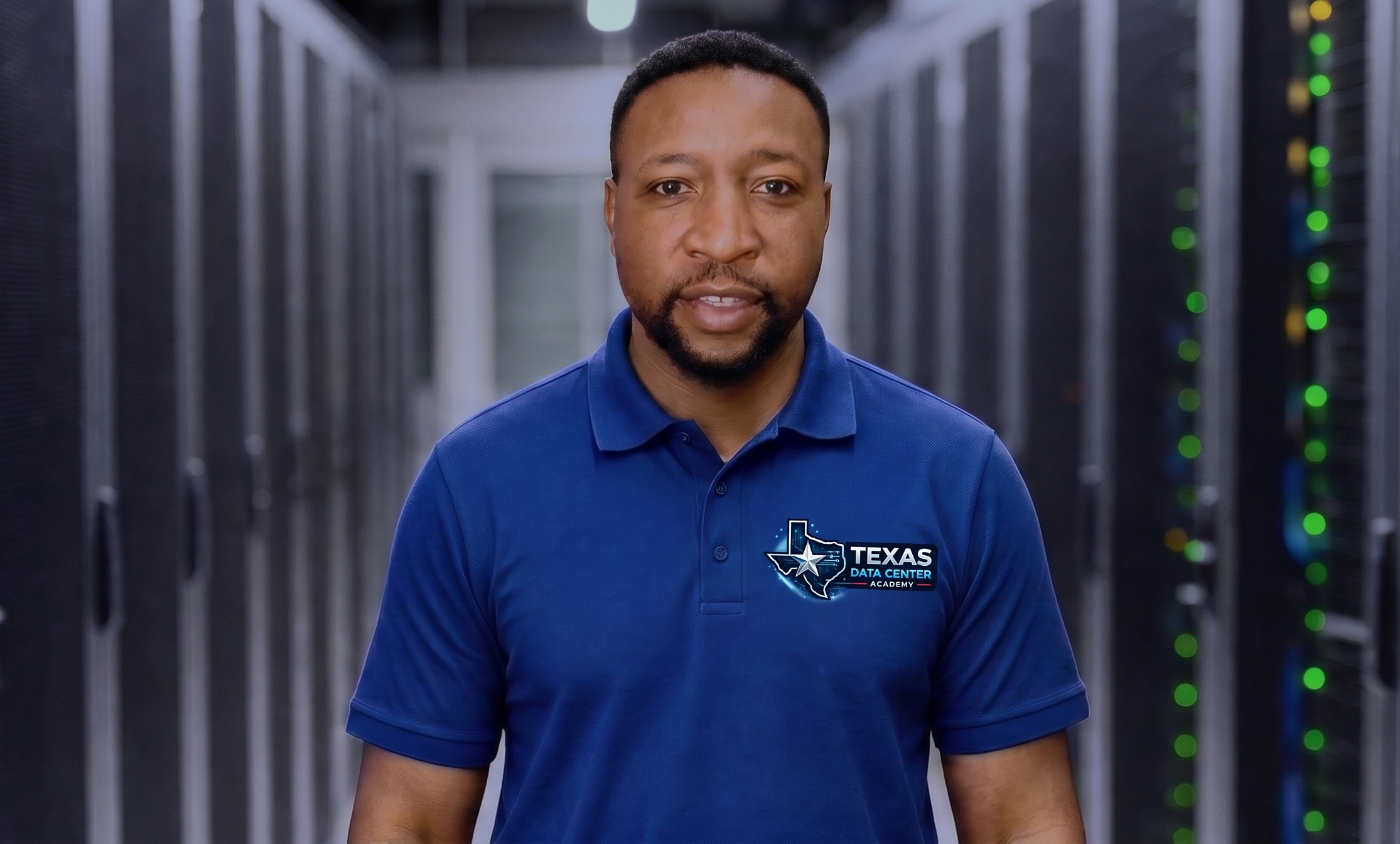
Dr. Godwin Fusi, PhD, brings over 25 years of IT experience, combining advanced academic expertise in Information Technology with hands-on experience supporting hyperscale data center operations, cloud infrastructure, and AI-ready computing environments. He has supported hyperscale data center operations within Microsoft and currently supports hyperscale cloud and AI infrastructure operations at Amazon Web Services (AWS), two of the world’s leading cloud environments. Through this program, Dr. Fusi brings real-world industry knowledge to help students understand the technologies, operational practices, and troubleshooting skills used in modern cloud and AI data centers. Questions before enrolling? 📞 Call or Text Dr. Godwin Fusi: +1 (817) 717-0954 💬 WhatsApp (Chat, Voice & Video): +1 (817) 717-0954 Texas Data Center Academy is an independent training organization and is not affiliated with, sponsored by, or endorsed by AWS, Microsoft, or other employers referenced on this site.
What Our Students Say
Real Experiences. Real Progress. Real Career Outcomes.

"Dr. Fusi provided personalized guidance throughout the program. His real-world data center experience helped me understand server hardware, networking, Linux, troubleshooting, and how technicians work in hyperscale environments. The interview preparation was especially valuable as I prepared for opportunities in the industry."
Data Center Technician Program Graduate Recently hired by AWS as a Data Center Operations Technician IV

"What stood out to me was the personal support from Dr. Godwin Fusi. He explained technical concepts using real data center scenarios and helped me prepare for interviews with confidence. The program gave me a much clearer understanding of what to expect in a Data Center Technician role."
Recently hired by AWS as a Data Center Operations Technician III

“Texas Data Center Academy gave me the practical knowledge and confidence I needed to start my career in the data center industry. Dr. Godwin Fusi explained complex technical concepts in a simple and practical way, using real data center scenarios. The interview preparation and one-on-one guidance were very helpful and prepared me for opportunities in the industry.”
Data Center Technician Program Graduate Recently hired by AWS as a Data Center Operations Technician III

“Texas Data Center Academy helped me develop a much stronger understanding of critical data center infrastructure, including power, cooling, monitoring systems, safety, and operational procedures. The real-world scenarios and personalized guidance from Dr. Godwin Fusi helped me understand the responsibilities of a Critical Environment Technician and prepare confidently for interviews in Data Center Engineering Operations.”
Data Center Critical Environment Program Graduate Recently hired by AWS as a Data Center Engineering Operations Technician

"I appreciate the way the course breaks down complex data center technologies into practical, easy-to-understand lessons. The personalized instructor support gives me the opportunity to ask questions and strengthen my understanding as I progress."
Current Student Data Center Technician Program

"The program is helping me build confidence in server hardware, networking, Linux, and data center operations. I especially value the practical examples and one-on-one support throughout the training."
Current Student Data Center Technician Program
"Dr. Fusi provided personalized guidance throughout the program. His real-world data center experience helped me understand server hardware, networking, Linux, troubleshooting, and how technicians work in hyperscale environments. The interview preparation was especially valuable as I prepared for opportunities in the industry."
Data Center Technician Program Graduate Recently hired by AWS as a Data Center Operations Technician IV
“Texas Data Center Academy gave me the practical knowledge and confidence I needed to start my career in the data center industry. Dr. Godwin Fusi explained complex technical concepts in a simple and practical way, using real data center scenarios. The interview preparation and one-on-one guidance were very helpful and prepared me for opportunities in the industry.”
Data Center Technician Program Graduate Recently hired by AWS as a Data Center Operations Technician III
"I appreciate the way the course breaks down complex data center technologies into practical, easy-to-understand lessons. The personalized instructor support gives me the opportunity to ask questions and strengthen my understanding as I progress."
Current Student Data Center Technician Program
"What stood out to me was the personal support from Dr. Godwin Fusi. He explained technical concepts using real data center scenarios and helped me prepare for interviews with confidence. The program gave me a much clearer understanding of what to expect in a Data Center Technician role."
Recently hired by AWS as a Data Center Operations Technician III
“Texas Data Center Academy helped me develop a much stronger understanding of critical data center infrastructure, including power, cooling, monitoring systems, safety, and operational procedures. The real-world scenarios and personalized guidance from Dr. Godwin Fusi helped me understand the responsibilities of a Critical Environment Technician and prepare confidently for interviews in Data Center Engineering Operations.”
Data Center Critical Environment Program Graduate Recently hired by AWS as a Data Center Engineering Operations Technician
"The program is helping me build confidence in server hardware, networking, Linux, and data center operations. I especially value the practical examples and one-on-one support throughout the training."
Current Student Data Center Technician Program
Start Your Data Center Career Today
Launch Your Data Center Career Limited-Time Offer: $250 / Month × 2 8-Week Online Training | IT Professionals May Finish in 4 Weeks Learn at Your Own Pace • Weekly Live Instructor Support One-on-One Guidance • Resume & Interview Preparation 📝 Enroll Today & Start Learning Immediately!
2 x $250.00